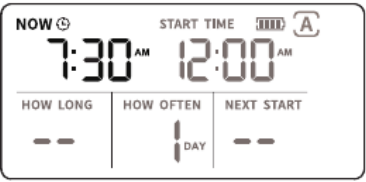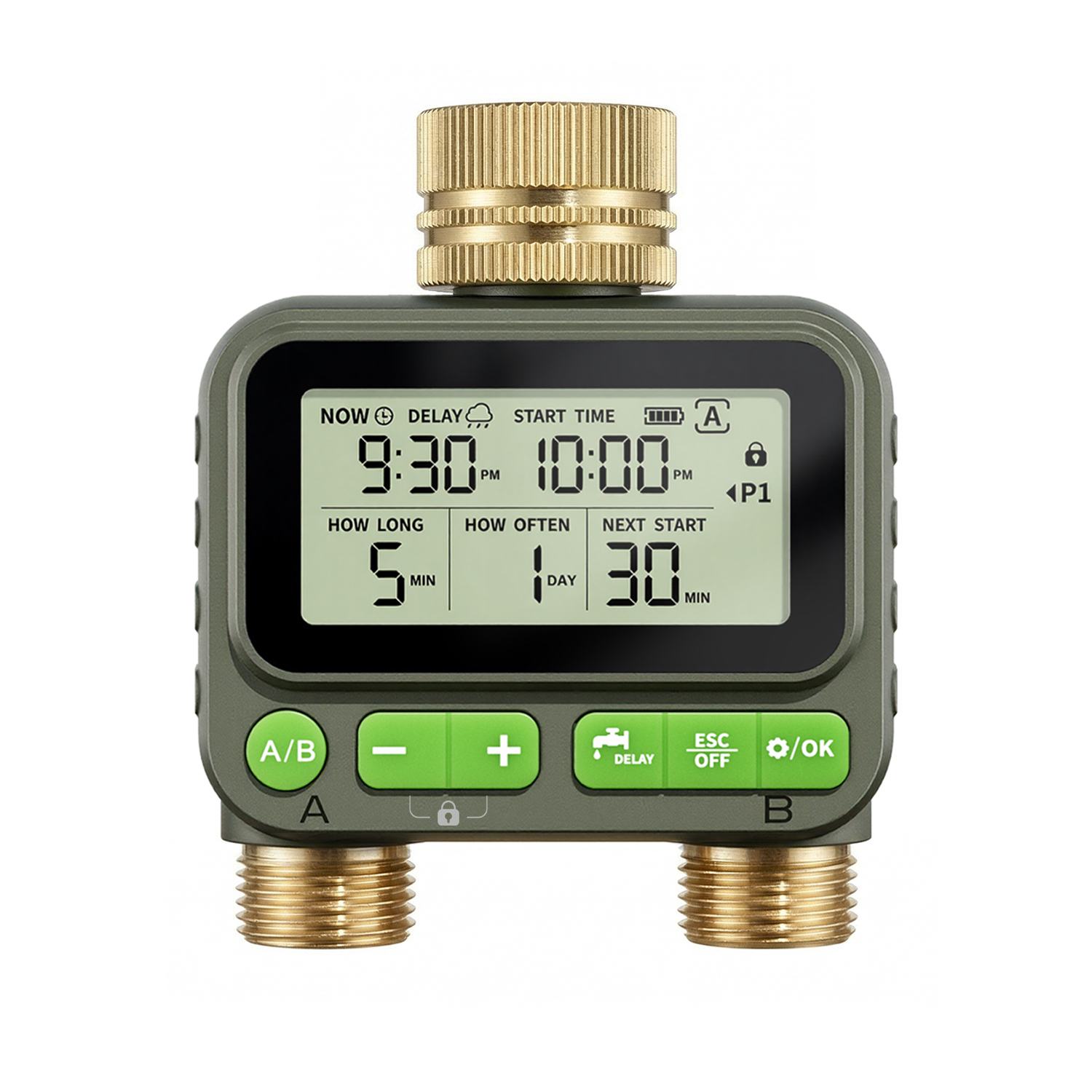


Short press: Add/subtract time, switch watering plan, switch hour mode.
Long press: Quickly add or subtract time
Long press and hold the '+'and'-'buttons at the same time: Child lock mode
Short press: manual watering setting
Long press: delayed watering setting

Short press: Exit settings
Long press: Exit manual watering, exit delayed watering, turn off

Short press: Confirm
Long press: Set the current time

Short press: A/B Valve Switching Plan Screen